
How to print your pictures?
Criteria for a good picture
We are going to talk about technical quality, since the other aspect of a good picture is in the eye of the beholder. A good quality image often makes a picture stand out once printed because it has been optimized to take up a certain space on the wall and maximized in terms of image quality. There are many criteria for a good quality picture, all depending on what you are going to print, and in what size it will be printed.
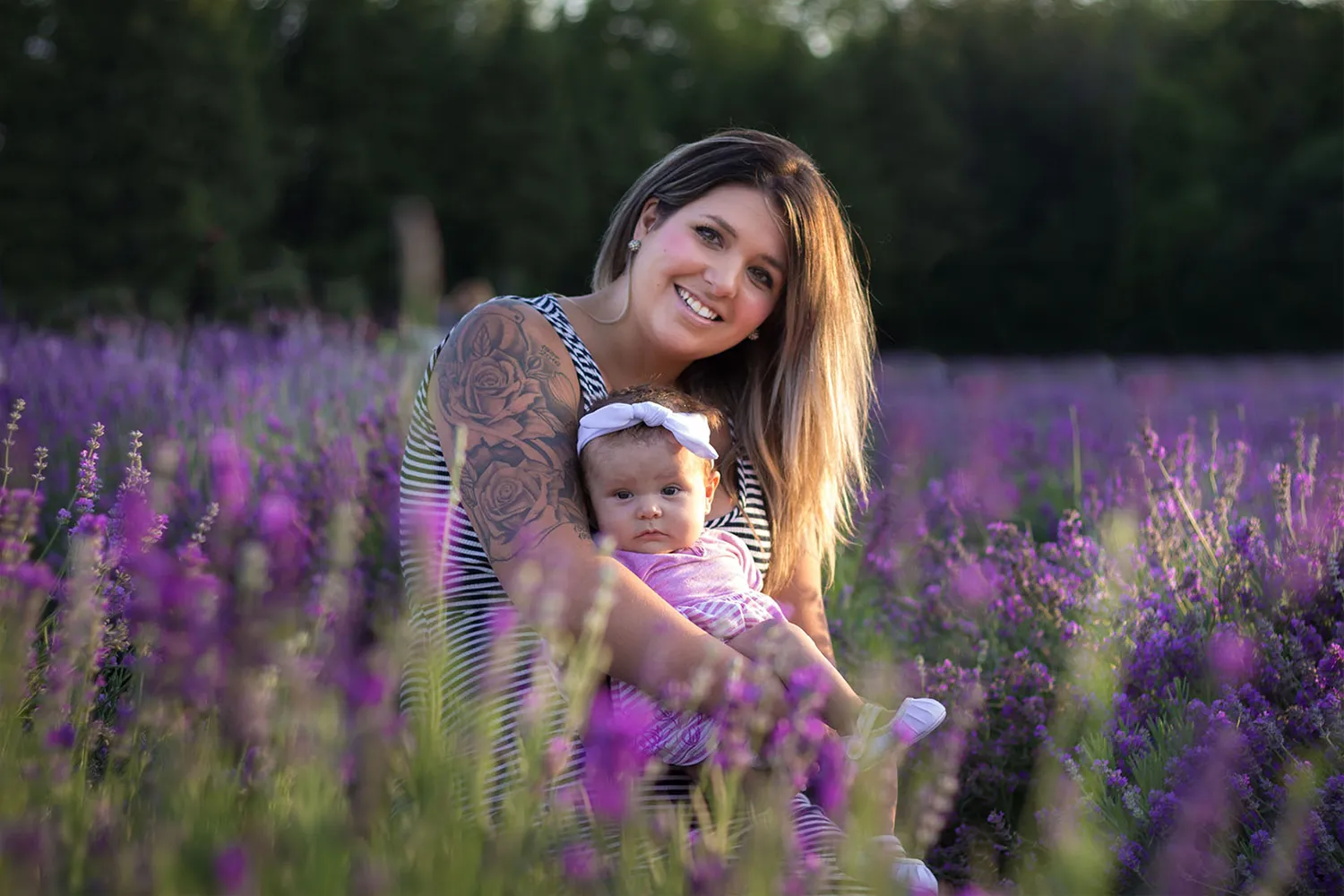
To simplify, we are going to use as an example a portrait picture that we want to print to a size of 50x70cm (which is pretty big for a picture), not the average 4"x6" images! We have 2 options of pictures to print, taken from the same angle: one taken by Uncle Bob on his cell phone and the other taken by the professional photographer with the latest camera model, top-notch.
A .jpeg file is all I need for a good picture..., all right?
Yes, a picture should be provided in a .jpg or .jpeg file, which is the most universally supported format. There are other formats, for example, .png that we see often, but this is the most used and best for us commoners for printing. Every .jpg image contains information that determines its file size, which also affects its quality.
In your .jpg file, you will see the image has an image size, which can have a range from 15Kb to 40Mb+. This is very important information because this gives you a good hint if you can consider it as a good picture to be printed or not. The less information it has, the lower quality it contains!
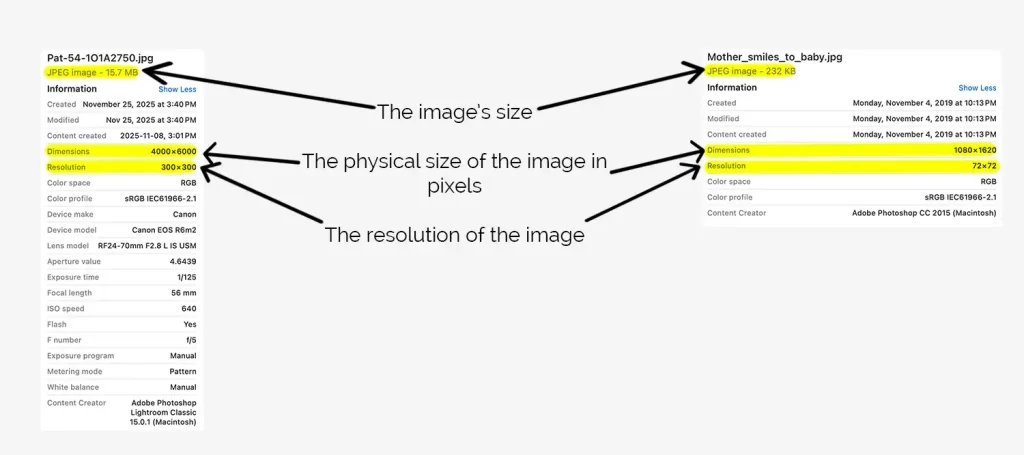
Then there's the dimension in pixels, which indicates the physical size of it. If it is a small image, and you make it big, it simply doesn't have the pixels to become a good-quality big image, and it will be pixelized.
Last is the resolution, which decides if it is a "high-quality" or "web-quality" image. Everything you see on the web is 72 pixels per inch (ppi), which is the standard of all screens, from cellphones to laptops to big TVs. When an image contains 300 pixels per inch, naturally, there are more of those small pixels that make the image cleaner, especially when printed in big formats.
How to print your pictures when they are cropped?
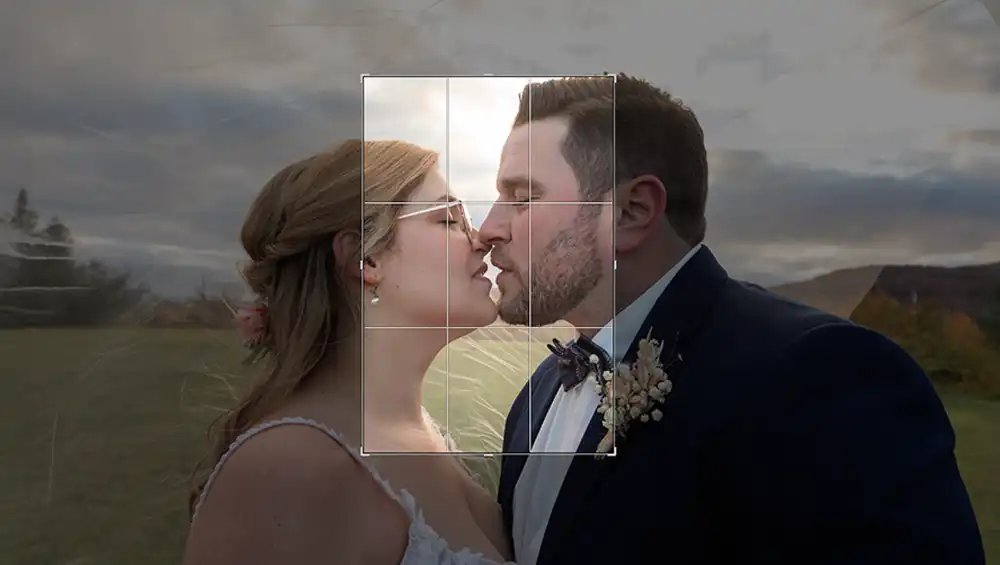
A good example of a picture that is difficult to print in a large size is an image that has been cropped from the beginning, which reduces its quality. Then, if it gets printed in a large size, there aren't just enough pixels to support the maximization of the size, and it becomes blurry and pixellized. There's nothing wrong with the picture in itself; it can be the most beautiful image on your laptop, but only when you make it bigger than normal do you start to see a lack of quality.
Another one is an image that you have taken from the web, and therefore is 72ppi, sized small (maybe 15Kb), and you want to make it big. Again, the information isn't enough and will end up being a beautiful image, but blurry, with very low-quality pixels.
These pictures can be printed, even if the application tells you that they are "bad quality". I can do some magic with it for it to pass, but it will never be as sharp or high-quality as a real high-quality image.
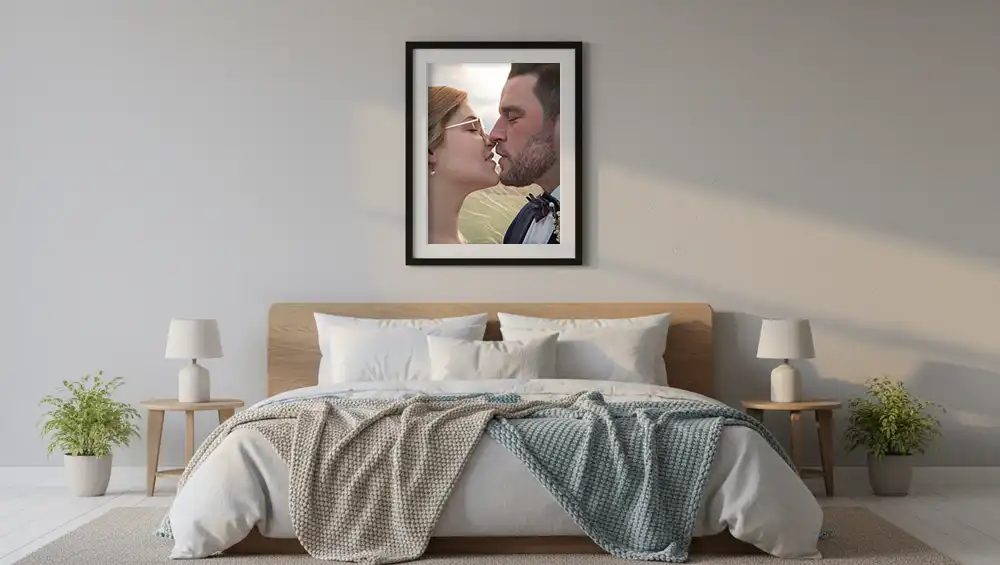
How do I know if my picture is good to send?
An image contains lots of information that makes the image a certain size, contains a certain amount of pixels or overall information about the picture. I hope you all understand that the more information there is in the picture, the better it will be printed or seen on a big screen.
Now, let's get back to Bob and the photographer to explain more about the quality of the image. So, Bob has his nice cellphone from 2020, and he took this beautiful image that all of his family thought would be worthy of printing, since on Facebook it was the absolutely best image they've seen. He brings it to a pharmacy to be printed "big" as he wants to send it as a gift to the couple.
Then there's the photographer who uses the RAW format to shoot all the images. This format contains so much more information about the image and is the so-called best image quality there is, but it isn't readable by our phones or computers. It needs an app, as Lightroom (by Adobe), for us to be able to see the image or to work on it. After treating the images as a RAW format, the photographer exports them as .jpeg images for you, either in high quality (300ppp) or web quality (72ppp), or both.
So the photographer finally brings the picture to a professional printer to be also printed "big" and he too, will give it to the couple. The results should look something like this.
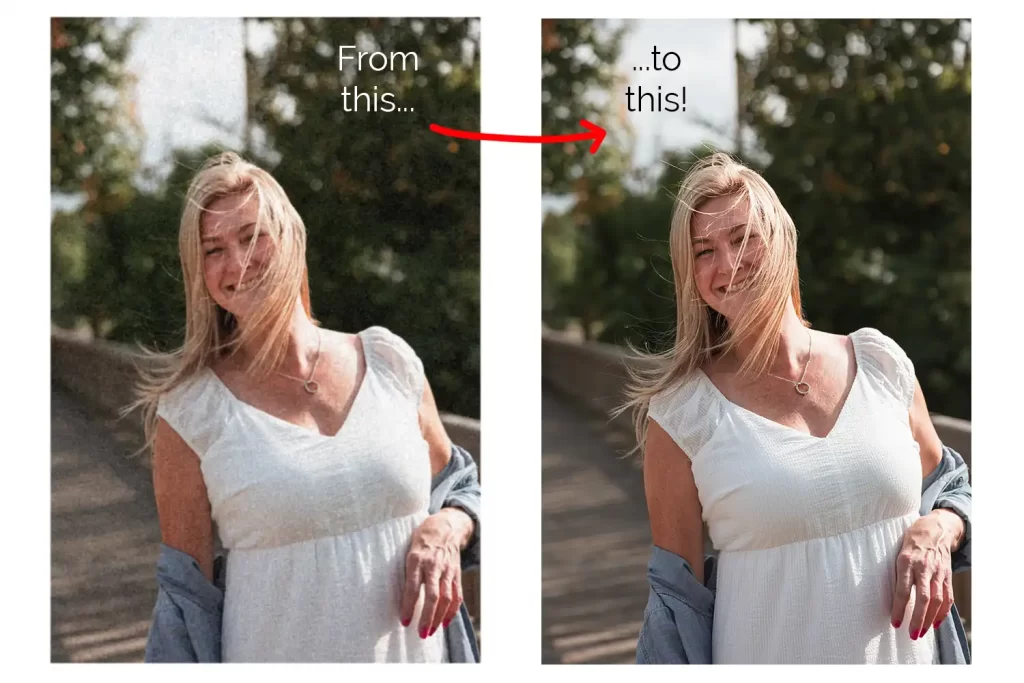
When you finally compare these two printed pictures, Uncle Bob's pic is nice to look at from afar, but when you close up and look at the details, it can lack some important details, or the picture might give a colour scheme that is a bit off, the skin-tones might be pulling towards magenta... You never know how exactly the image will come out.
Of course, these are only 2 drastic examples! The quality also depends on many other aspects: the camera model and age, air quality, blur from a movement you or the model made, but yeah, generally speaking, the more information there is in the picture, the better it will be once printed.
What to think about before sending the picture to be printed?
Before you send out any picture, you need to know very important things, such as where you are going to put it, what size it will be, and, importantly, whether it will be framed or not.
Placement of the picture
Please go ahead and stand in front of the place you visualized it to be. From here, you will start to see if what you had in mind functions or not.
Is it in the full sun, in which case it would maybe need a special glass to protect it from constant sun-rays, and therefore a simple frame wouldn't be the best option. You can get it professionally framed with a special glass that protects your image from sunlight very well.
Is the size of the image on the wall just perfect?
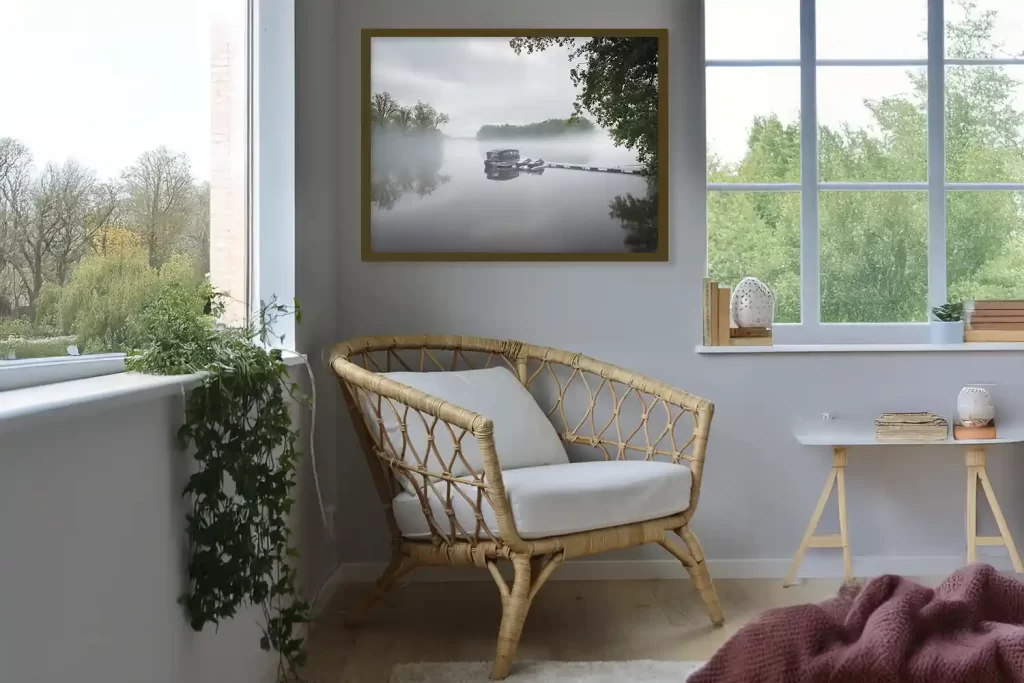
While you are still standing in front of the empty wall, you see a space that can be filled with your beautiful picture, reminding you every day of the happy moment in your life. Try to see the actual size it takes to cover the area of the space for your piece of art. And now, question yourself if it is good size?
This is important since if you put on your wall a stunning image of, let's say, your best wedding picture, but it is too small for the space. It not only doesn't fit into its surroundings, but your best moment is not being advantaged to its max and shown to the world as it should be. Or maybe you choose this important picture to be super big, but then add smaller pictures around it that make it look huge and out of proportion.
Framing
Now, let's talk about framing and something that is so important! When you have decided what size of piece of art goes on your wall, and you have chosen it to be framed and protected by glass. It's time to choose the frame in itself, so you measure the wall and decide to send your picture to be printed a certain size.
You have to know the measures of your image to know if it fits into the new frame. For example, the image aspect-ratio is 4x3, but the size of the new frame is written in centimetres.
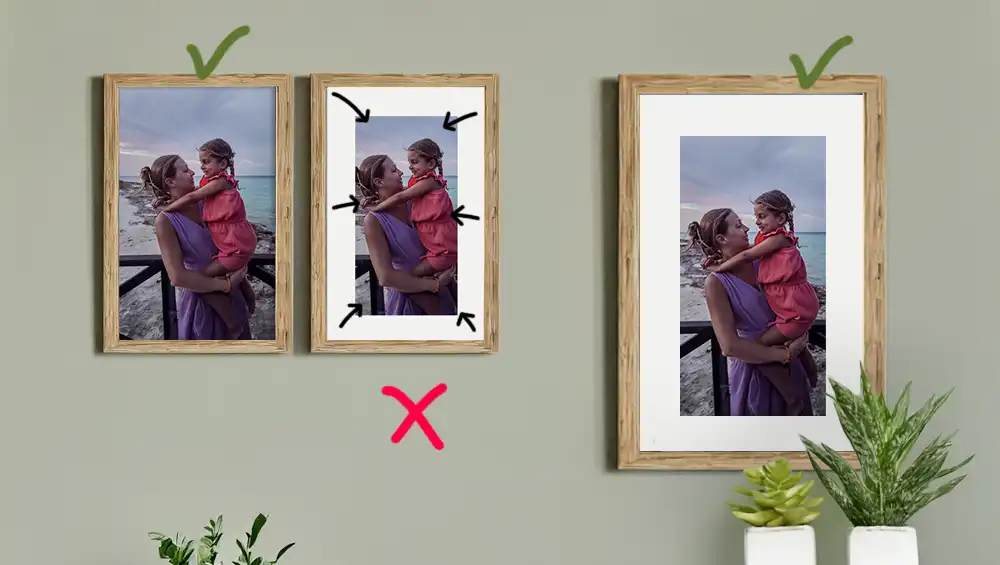
It is a fact that people often buy ready-made frames that come with a passe-partout (the white piece of paper surrounding the frame), which takes about 20% of the space of the frame, so therefore your picture needs to be smaller to fit the correct size inside the passe-partout.
When you then fit the printed image inside the frame, you might prefer it to be using the passe-partout... but it doesn't fit! Your image will be cropped, and maybe some important aspects of it will be hidden behind the white, surrounding paper.